

I’m a big believer in open source and this extends to open source AI models. These models have existed for a bit now but they were often hard to run or didn’t provide great results. Things have started to change though and the gap between closed source, frontier models and various top line open source models has closed significantly, to the point where using these models is a real alternative.
This post will serve as a quick, practical guide on an approach to utilizing open source AI models within WordPress.
Prerequisites
There are multiple ways to access open source models. This guide will focus on using Ollama to run models completely locally. This avoids worrying about costs and ensures all your data stays private on your machine. In addition, we’ll be using the WordPress AI plugin to test AI functionality but other AI plugins that utilize the new Connectors API can also be used.
- Install Ollama on your computer
- Determine which AI model you want to use and then install that in Ollama. For example, I find the Gemma 3 models work really well locally. They give decent results and are fast to run (newer models, like Gemma 4, do give better results but because it is a “thinking” model, it takes much longer to get results depending on your hardware). From a terminal window, run
ollama pull gemma3 - Setup a WordPress site and install and activate the AI plugin
- Install and activate the AI Provider for Ollama plugin
Verifying connection
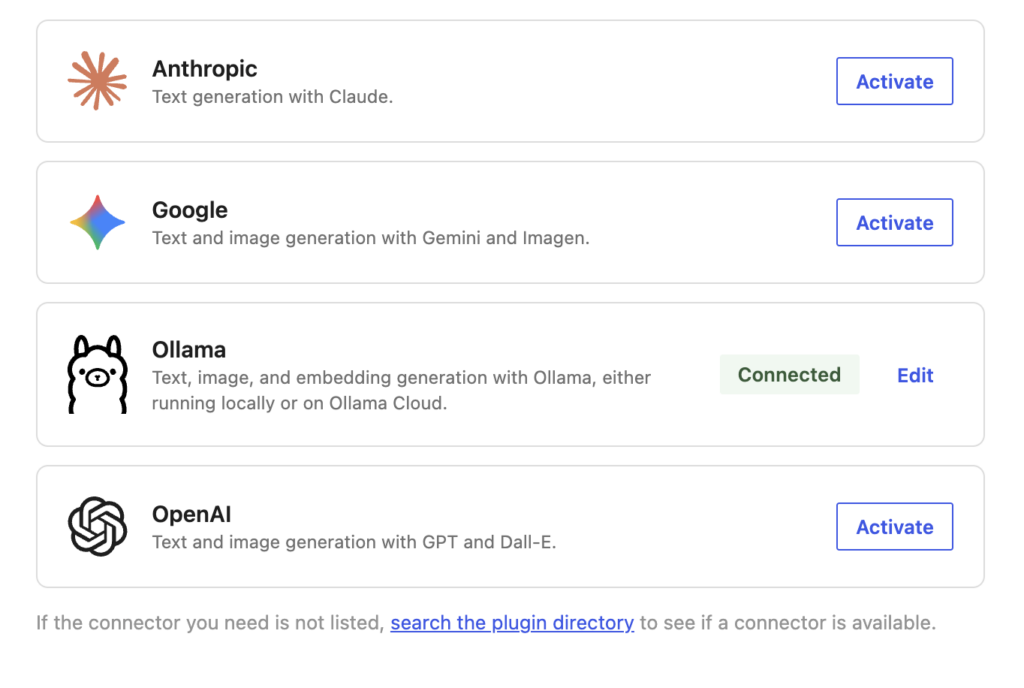
Once you’ve followed the above steps, you should be ready to start using AI within WordPress. To verify things, go to the Connectors settings page (Settings > Connectors). You should see a similar screen as below showing that Ollama is connected:
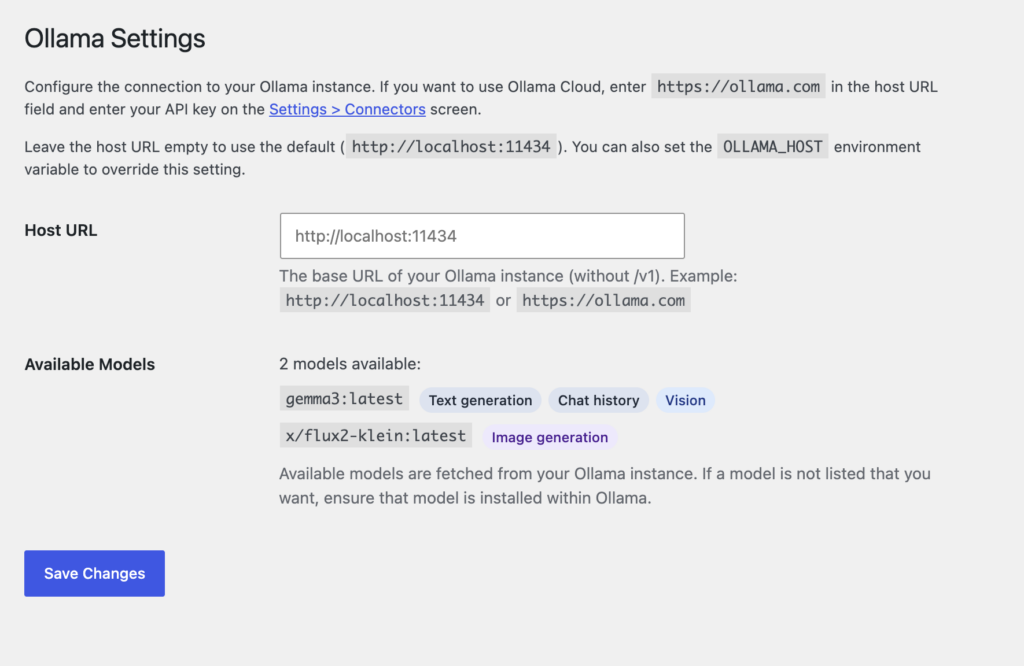
You can also go to the Ollama settings page (Settings > Ollama) and it will also let you know if you’re properly connected and which models you have available:
Configure the AI plugin
Next we’ll need to get some features enabled within the AI plugin. Go to Settings > AI and ensure you toggle on Enable AI. This globally enables the AI plugin for your site:

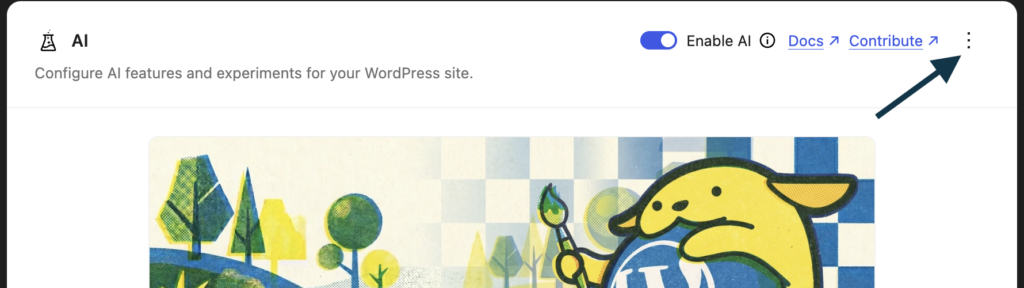
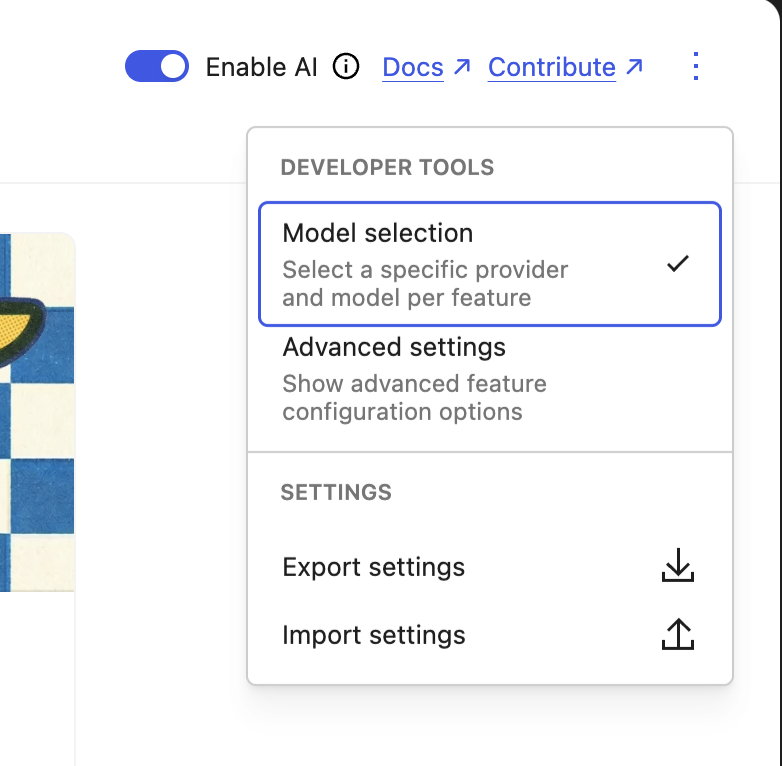
This isn’t required but it can be useful to choose a specific provider and/or model for an individual AI feature. For example, you can install multiple models within Ollama and then choose different models depending on the needs of an individual feature. To see this option, click the three dots in the settings header and then turn on Model selection:
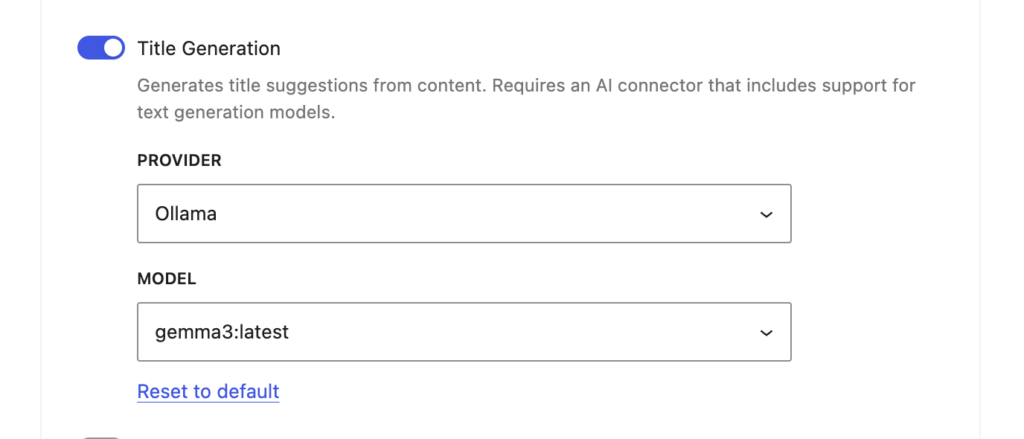
Now determine which AI feature you want to utilize. Excerpt Generation or Title Generation are some easy ones to start with. Enable one of those and then optionally, choose Ollama as the provider and whichever model you want to use:
Test out AI
Now we finally get to the fun part :). We have Ollama running locally, we have at least one AI model installed. We have WordPress setup with everything it needs to communicate with Ollama and we have at least one AI feature enabled.
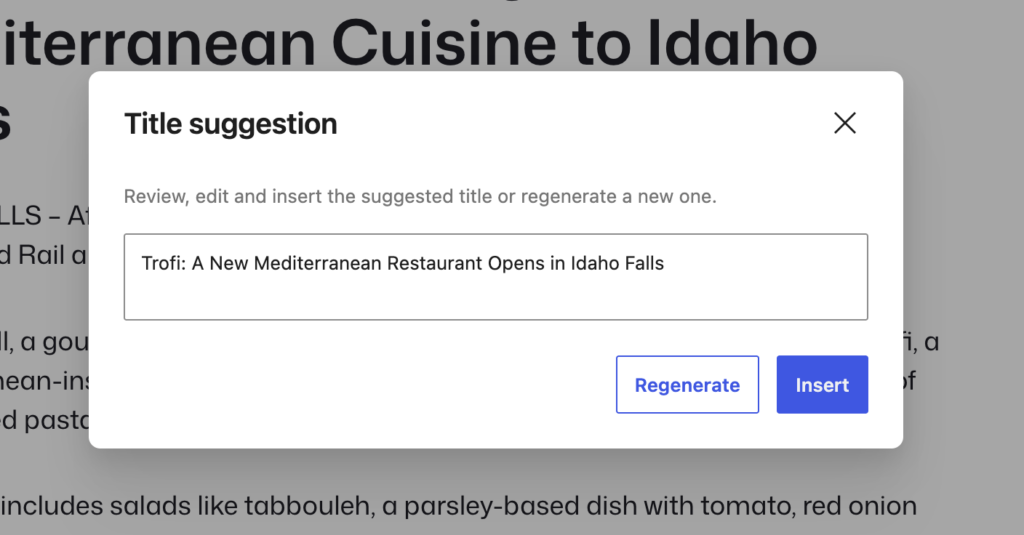
If you enabled Title Generation, create a new post or edit an existing post. Ensure this post has a regular amount of content and then click into the standard title input. You should see a block toolbar appear with a Generate/Regenerate button (depending on if the title is empty or not):

Click that button and ensure a loading state shows. Behind the scenes an API request is being made to your local Ollama installation (default URL of http://localhost:11434). Ollama tries loading the requested model from memory but if it’s not there yet, it will need to load that model first. This means the first request you make will take longer but if you make another request within the next 5 minutes (default memory limit), results will be shown much quicker:
Next steps
From here, try out other AI features in the AI plugin, experiment with different models to see how it impacts results or start building out your own AI integrations.
There are also other ways to run open source AI models that may be better for your specific use case. While Ollama is great as it’s a completely free, completely offline solution, performance is directly tied to your machine and it’s capabilities.
You may want a hosted solution to achieve better performance and more easily share integrations across multiple people. Ollama provides it’s own cloud solution you can use but there are lots of other options, like OpenRouter or Together.ai you can look into.
The important piece here is to not overlook these open models. They are quickly getting better and better and for most common use cases, they can give you the same results as larger, frontier models with the peace of mind that you have full control over your data.
Leave a Reply
You must be logged in to post a comment.